
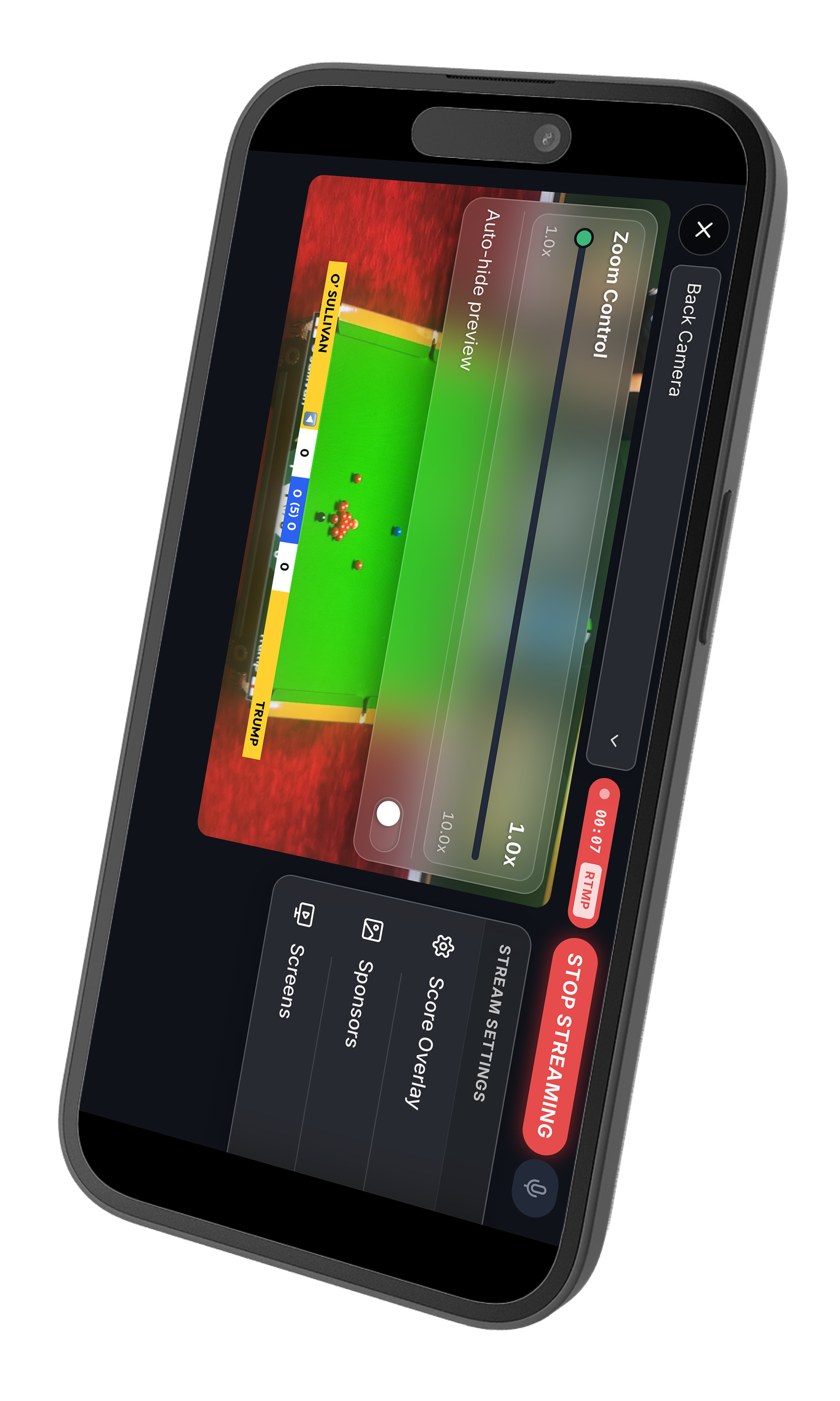
You no longer need a laptop, a capture card, or OBS to stream a match. With 147 Pro you can broadcast straight to YouTube, with a live score overlay baked in, using nothing but your phone.
Connect your channel once
Head to your streaming settings and tap Connect YouTube. You sign in with Google and grant access to your channel. That's the only setup step, and 147 Pro never posts anything to your account beyond the live broadcast you create.
Create the broadcast
Give your stream a title and an optional description, then pick who can see it: Public, Unlisted, or Private. 147 Pro creates the broadcast and wires up the stream key for you automatically, so there's no copying and pasting keys between apps.
Point the camera and go live
Prop your phone up so it sees the table, start the stream, and start scoring. Your live scoreboard is composited right onto the video, so viewers always see the current break, the frame score, and who is at the table. Every pot and foul you tap updates on screen instantly.
Look the part
Choose from a set of clean scoreboard overlays designed to read well on a phone screen. Whether you're streaming a club night or a serious league fixture, your broadcast looks organised and easy to follow from the first ball.